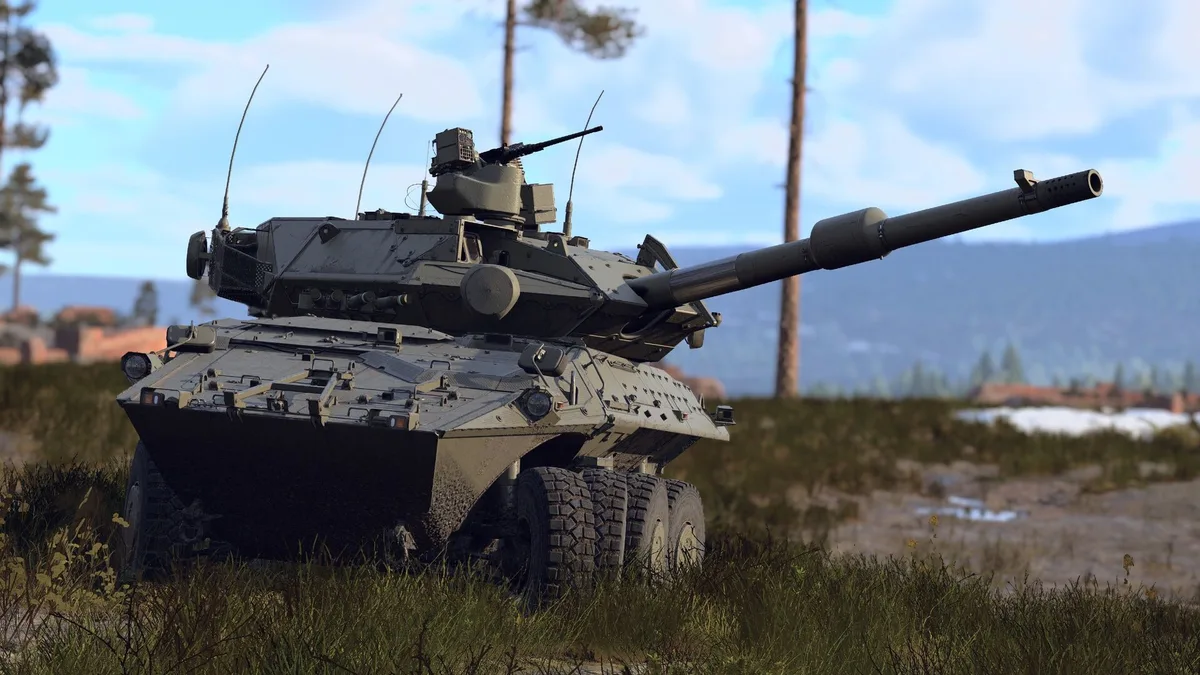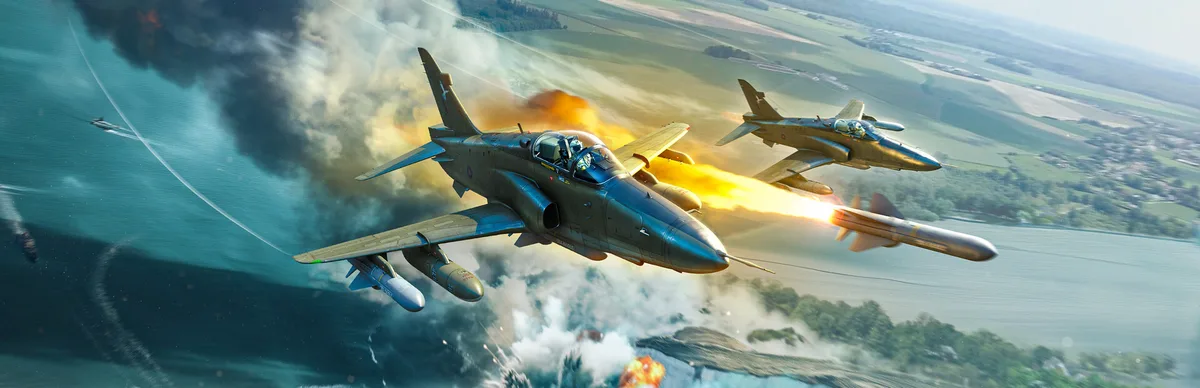
War Thunder is a competitive game where frames and clarity are advantages, not luxuries. A steady frame rate wins dogfights, and being able to actually see a hull-down tank at 1,500 meters wins ground battles. The problem is that the default and "high" presets are tuned to look pretty in a screenshot, not to help you spot, aim and stay smooth in a chaotic 16v16. Below is how I'd set it up: fast, sharp, and honest about which settings matter for winning versus which just cost you frames.
System requirements and how to run it well
War Thunder runs on almost anything and scales up to a serious rig, which is its great strength and its trap — because "it runs" and "it runs competitively" are different bars.
- Minimum-spec reality: the game will launch and play at low settings on old hardware, but don't expect a stable 60 FPS in large ground battles or on the busiest maps. Big matches are CPU- and VRAM-sensitive.
- VRAM matters more than people think: War Thunder wants at least ~3 GB of VRAM at 1080p and closer to ~6 GB at 4K to avoid texture-streaming stutter. If your card is short on VRAM, that's your first upgrade, not the GPU core.
- A steady 60+ is the target. In a game with this much information on screen, a consistent 60 (or a locked 120 on a high-refresh panel) beats a spiky 140 that drops in every big fight. Enable VSync or a frame cap slightly under your monitor's refresh to kill tearing without adding much latency.
- Use the Vulkan/DX toggle if you stutter. War Thunder offers different graphics APIs; if one gives you traversal stutter, try the other — the better one varies by GPU and driver.
Best graphics settings for FPS and spotting
Start from a clean base — the game's built-in presets ("Movie", "High", "Medium") are a fine starting point, but the wins come from overriding individual settings. Here's where the frames and the clarity actually live:
- Shadow quality: Medium. This is the single biggest FPS lever in War Thunder. Dropping shadows from Max to Medium typically buys 15–25% more frames in dense ground-forces matches for almost no competitive downside. Do this first.
- Enable an upscaler (DLSS / FSR / XeSS / TSR). War Thunder supports modern upscaling — DLSS 4, FSR 3, XeSS 2 and TSR — and turning it on is worth roughly +30–60% FPS with little visible quality loss. Use DLSS on RTX cards, FSR on Radeon, XeSS on Intel Arc, TSR as the vendor-neutral fallback. One caveat: upscalers can smear certain particle effects like smoke — if that bothers you, drop the aggressiveness one notch rather than turning it off entirely.
- Frame Generation: only if you already have a good base frame rate. DLSS Frame Gen (RTX 40+) and FSR Frame Gen (RX 5000+/RTX 20+/Arc) multiply frames but add latency and can produce artifacts on fast-moving targets. In a competitive shooter-adjacent game, use it to smooth an already-decent 60+, never to rescue a 30.
- Grass / vegetation / "plant swaying": lower or off. Dynamic vegetation is both an FPS drain in forested maps and a spotting handicap — dense grass hides enemy tanks. Reducing it gives you frames and lets you see targets that would otherwise blend into the foliage.
- Foliage draw distance / detail: reduce. Same logic. You want the horizon readable, not carpeted in swaying bushes.
- Anti-aliasing: keep it, but tune it. You want clean edges so distant vehicles resolve into recognizable shapes. A good upscaler's built-in AA usually covers this; avoid stacking heavy MSAA on top, which is expensive for little gain.
- Terrain / texture quality: as high as your VRAM allows. Sharp terrain textures actually help you distinguish a tank silhouette from ground clutter. This is a "spend VRAM here" setting, not a frame killer, provided you have the memory.
- Motion blur: off. It hides fast targets and serves no competitive purpose.
The theme: cut the settings that hide enemies and eat frames (shadows, grass, motion blur), keep the settings that help you see (texture/terrain clarity, good AA), and let an upscaler do the heavy lifting on FPS.
Fixing stutter and crashes
- Texture-streaming stutter (hitches when new areas load in). You're likely VRAM-limited. Lower texture quality a notch, reduce resolution or lean harder on the upscaler, and close VRAM-hungry background apps (browsers, overlays).
- Traversal / micro-stutter regardless of settings. Switch the graphics API (Vulkan ↔ DirectX) — this alone fixes stutter for a lot of setups, and which API wins depends on your GPU and driver.
- Stutter in forests specifically. Turn down dynamic vegetation and plant swaying. This is a known, targeted fix.
- Crashes or graphical glitches. Update your GPU driver first — it resolves most War Thunder graphical crashes. Then verify game files through your launcher (Steam or the Gaijin launcher) to repair a corrupted update.
- Upscaler smearing on smoke/particles. Reduce the upscaler's aggressiveness one step, or switch upscaler type. Don't disable it outright — you'd give back a huge chunk of FPS to fix a minor artifact.
- Frame Gen artifacts on fast targets. Turn Frame Generation off for competitive play; the latency and edge artifacts aren't worth it in air battles.
Hardware picks
War Thunder rewards a balanced machine — a strong GPU paired with a weak CPU still stutters in big ground battles:
- 1080p, high FPS (budget): a modern hexa-core CPU, 16 GB RAM, an SSD, and a GPU with at least 6 GB VRAM (RTX 2060 / RX 6600-class or newer). With shadows on Medium and an upscaler on, this holds a smooth high-refresh experience.
- 1440p sweet spot: RTX 4060 / RX 7600-class or better, 8 GB+ VRAM, 16–32 GB RAM. Comfortable high settings with an upscaler and headroom for busy matches.
- 4K: you want ~8–12 GB VRAM minimum to avoid streaming stutter, plus a genuinely strong CPU — large 4K ground battles are as CPU-bound as they are GPU-bound.
- Priorities in order: enough VRAM first, then CPU (for big battles), then GPU core, then RAM. Skimping on VRAM is the classic War Thunder mistake.
The short version: shadows to Medium, turn on an upscaler, cut grass and motion blur, keep textures sharp, and switch graphics API if you stutter. That combination gives you more frames and better spotting at the same time — which in War Thunder is the whole game.