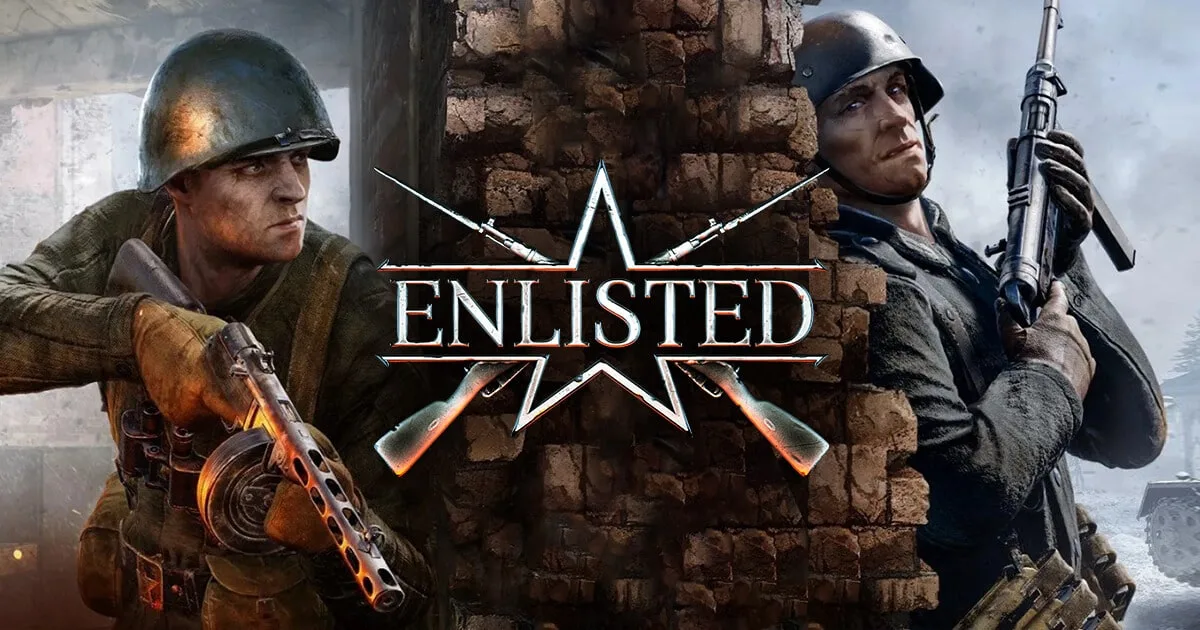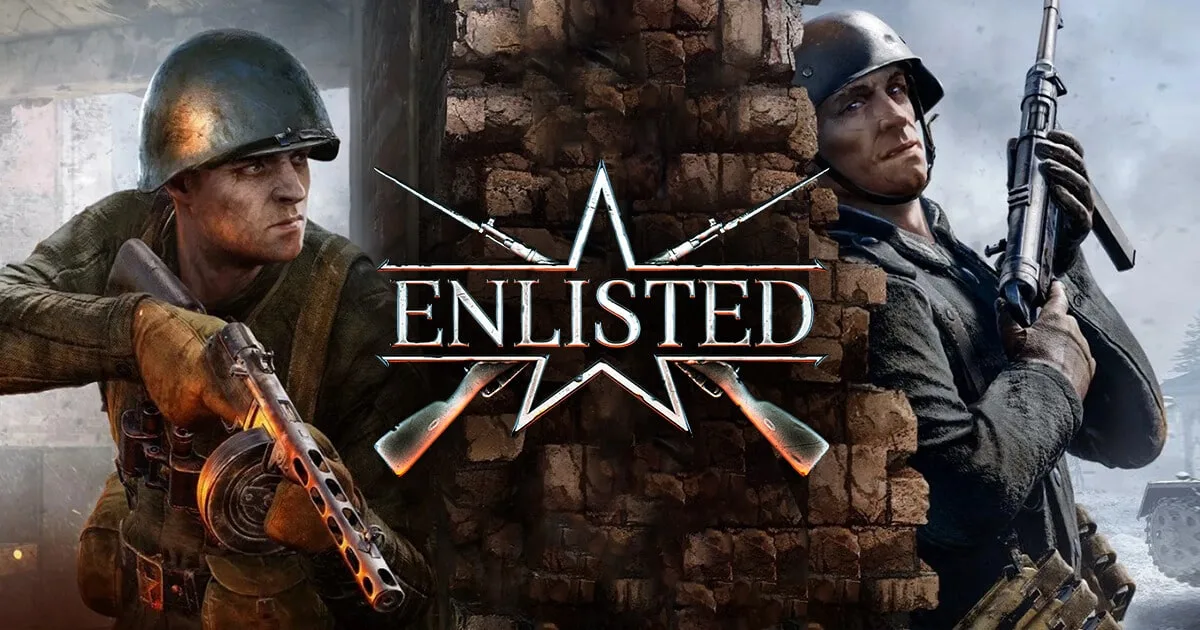
Enlisted is a squad shooter that renders like a AAA WWII game and, on default settings, performs like one on a bad day. The Dagor engine is gorgeous — volumetric smoke, destructible cover, dense foliage — but it leans hard on CPU single-thread performance, and a full match with AI squads, tanks and aircraft in the air will find the weakest link in your PC fast. The good news: most of the stutter and frame drops people blame on the game are fixable in ten minutes of settings work. Here's how to get a clean, consistent frame rate without turning the game into mush.
Real system requirements
Ignore the "minimum" spec that lists a decade-old i3 — it technically boots the game and nothing more. What matters in Enlisted is a modern CPU with strong single-core performance, because the engine is CPU-bound long before your GPU sweats. Gaijin themselves recommend Intel Rocket Lake / Tiger Lake or AMD Zen 3 and newer; in practice an i5-10400 / Ryzen 5 3600 or better is the real floor for smooth play.
- RAM: 8 GB is the listed minimum, but 16 GB is the honest number. Windows plus a browser plus Enlisted will thrash an 8 GB system in longer sessions.
- GPU: A GTX 1660 / RX 5600-class card handles 1080p high comfortably. Enlisted supports both NVIDIA DLSS (2.2) and AMD FSR, so even older cards can claw back frames at 1440p and 4K.
- Storage: Budget roughly 50 GB, and put it on an SSD. The mid-match hitches many players see are partly texture-streaming stalls off a slow drive.
If you're on entry-level hardware, upscaling is your best single lever — turn on DLSS/FSR at Quality mode before you start cutting visual settings.
Best settings for a locked frame rate
The goal isn't maximum FPS, it's a stable frame rate with clean 1% lows, because that's what makes your aim consistent. Start from the High preset, then make these changes:
- Graphics API: Try DX12 first (Settings → Graphics → Display → Graphics API). On most modern GPUs it's smoother; if you get crashes or worse stutter — common on some Intel Arc setups — fall back to DX11. This one toggle fixes more problems than anything else.
- DLSS / FSR: Set to Quality at 1080p, Balanced at 1440p/4K. Huge frame gains, minimal image cost.
- Shadows: Medium. The jump from High to Ultra shadows is one of the most expensive settings for the least visible gain in a fast shooter.
- SSAO / global illumination: Low or Medium. Heavy on the frame budget, barely noticeable when you're being shot at.
- Anti-aliasing: Keep TAA on — Enlisted shimmers badly without it. If DLSS is on, it handles AA for you.
- Foliage / grass quality: Medium. Also a fairness thing — you don't want players hidden in grass you can't see. Don't push it to minimum in a way that looks obviously different from other players' view.
- Motion blur: Off. Every competitive player turns this off; it hides information.
- VSync: Off in-game. Use a frame cap instead (see below) and, if you have it, enable G-Sync/FreeSync at the driver level.
Cap your frame rate a few frames below your monitor's refresh (e.g. 141 on a 144 Hz panel). A capped, steady frame rate feels far better than an uncapped one that swings between 90 and 180.
Fixing stutter and crashes
Enlisted's most-reported problem is intermittent freezing and micro-stutter mid-match. Work through these in order:
- Move the game to an SSD if it's on a hard drive. Non-negotiable for texture streaming.
- Switch Graphics API (DX12 ↔ DX11) as above — the single most effective fix.
- Update GPU drivers, then do a clean install. Enlisted is sensitive to driver regressions; if a new driver tanks your FPS, roll back one version.
- Go single-monitor or borderless-windowed if you run a multi-monitor setup. Several players trace freezing directly to a second display; fullscreen exclusive or a single active monitor clears it.
- Cap your frame rate. Uncapped Enlisted spikes CPU load and causes hitching; a cap smooths it.
- Disable overlays (Discord, GeForce Experience, MSI Afterburner on-screen display, Steam FPS counter). Overlay hooks are a frequent stutter and crash source.
- Verify game files through the launcher after any big update. Corrupted files after "Reinforced"-era patches cause crash-to-desktop loops.
- Close background apps. Because the engine wants a full CPU core, Chrome tabs and update services compete directly with it.
If you're still crashing on launch, check the anti-cheat process (enlisted_BE) isn't being blocked by antivirus — whitelist the Enlisted folder.
Hardware picks that hold up
Enlisted rewards CPU over GPU, so spend accordingly:
- Best value: Ryzen 5 5600 / 7600 paired with an RX 7600 or RTX 4060. Cruises at 1080p/1440p high, and the strong single-thread keeps 1% lows healthy in crowded matches.
- Don't overspend on GPU if your CPU is old. A monster graphics card behind an aging quad-core will still stutter — the bottleneck is the processor.
- 16 GB RAM, dual-channel. Single-stick 8 GB configs are a common hidden cause of stutter.
- Any NVMe SSD. The cheapest current-gen drive fixes streaming hitches that no GPU upgrade will.
The short version
Put it on an SSD, pick the Graphics API that doesn't stutter (usually DX12, DX11 as backup), turn on DLSS/FSR, drop shadows and SSAO to Medium, kill motion blur, and cap your frame rate below your refresh. Do that and Enlisted goes from "why is this hitching" to one of the better-looking, better-feeling WWII shooters on PC — running smoothly on hardware that costs a lot less than you'd expect.